
Using the Dashboard
Once your account is registered, you can use the PiCapes Dashboard to manage your capes, view account information, and access available dashboard features.
Accessing the Dashboard
To sign in, run the following command in the #⚡・machine channel:
text
/loginPiCapes will send you a private dashboard login message containing a secure sign-in link.
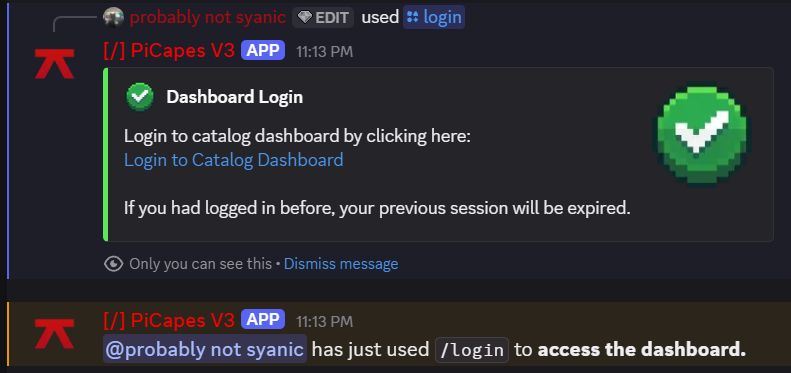
Click Login to Catalog Dashboard to continue.
After clicking the link, you will be prompted to authorize your account via Discord OAuth then will be redirected to the PiCapes Dashboard and automatically signed in.
Applying a Cape (from Catalog)
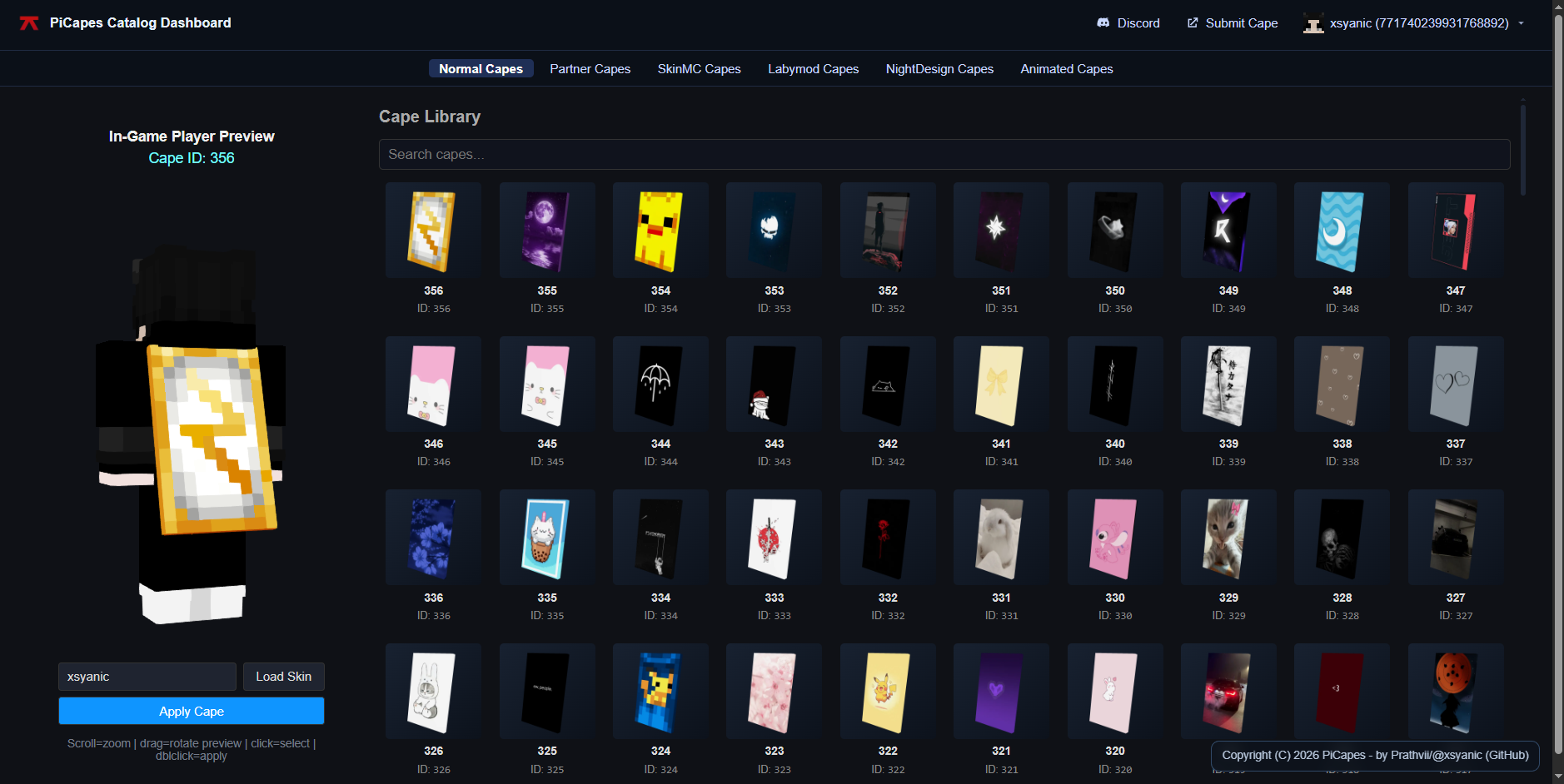
⚠ Under Construction
Docs are under construction. Thank you for your patience.